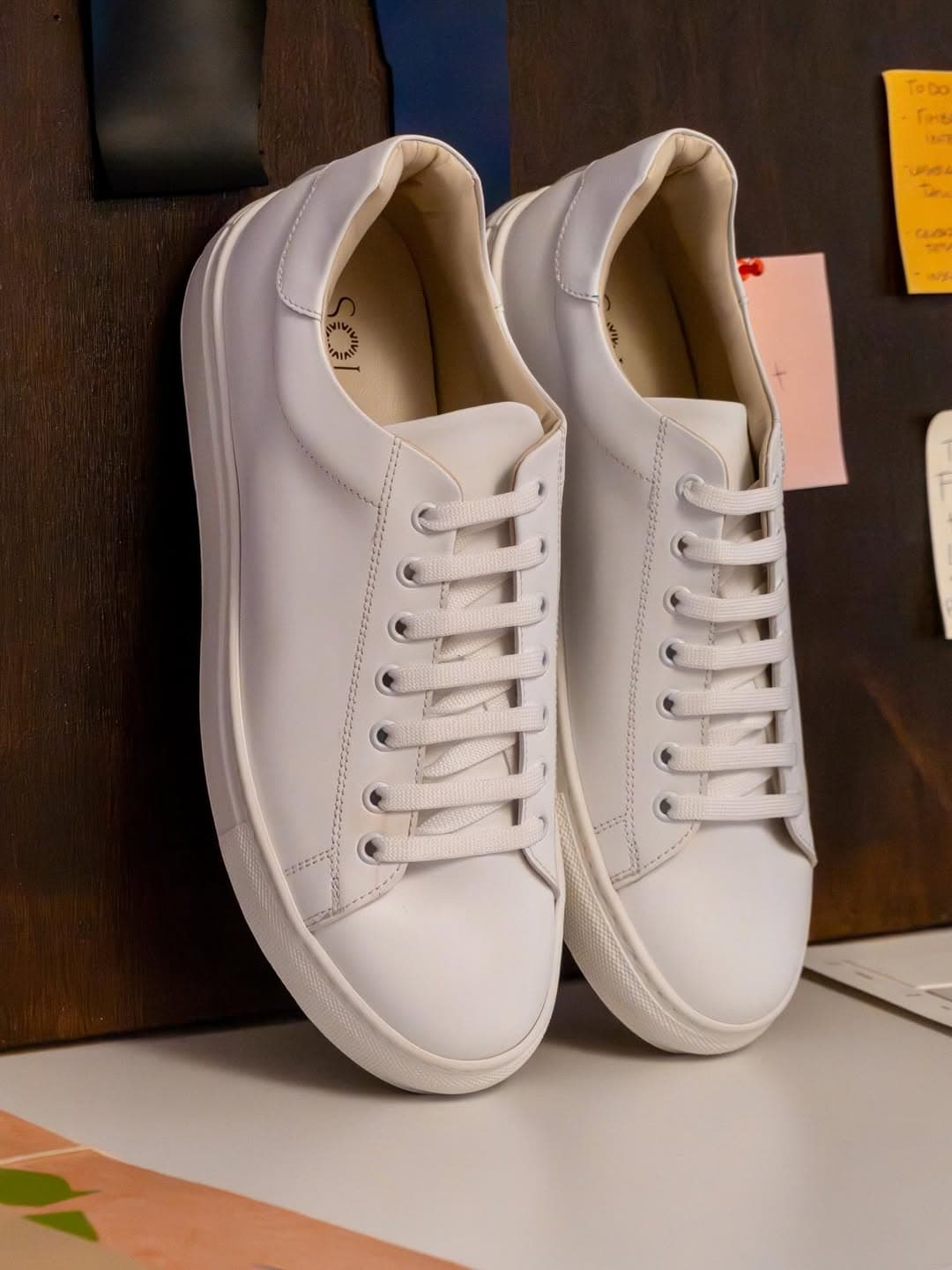
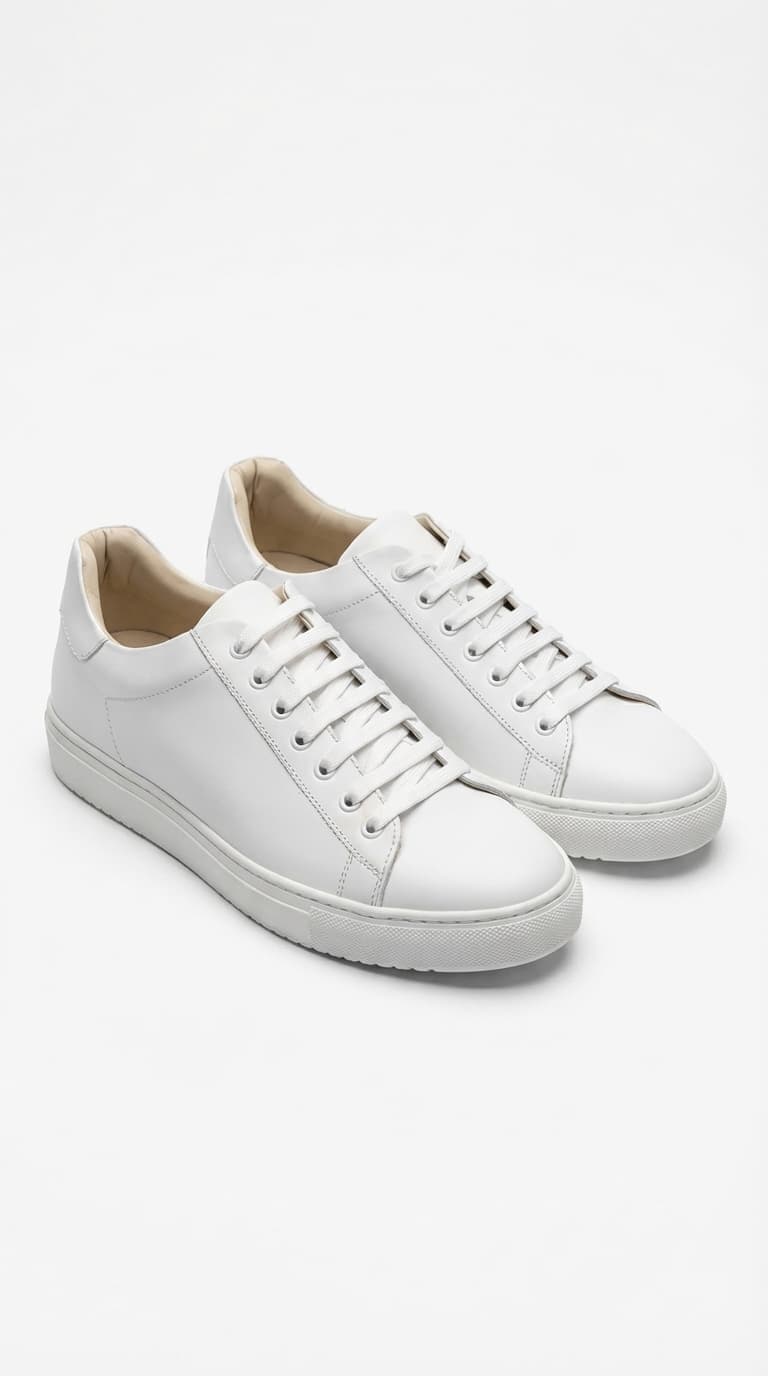
How AI product photography works
Upload one ordinary photo of your product β a phone shot on a table is enough. Picoko's AI reads the item's shape, colour, material, and branding, then rebuilds the scene around it: studio lighting, a clean or lifestyle backdrop, realistic shadows and reflections. What comes back looks like it was shot in a professional studio, because the model was trained on millions of real commercial photos.
Crucially, the product itself is preserved. The AI replaces the environment, not the item, so your logo, label, and proportions stay true to the original. That's the difference between a photo a customer trusts and a render that triggers a return.
Every generation returns several variations, so you pick the angle and mood that fits the listing instead of committing to a single expensive shot.
Why product photos make or break a listing
The image is the first thing a shopper sees and, for most categories, the single biggest factor in whether they click and buy. Online, buyers can't touch the product β the photo does the entire job of a physical shelf.
Marketplaces reward it too. Amazon, Etsy, and Shopify all favour listings with clean, high-resolution imagery in search and conversion, and several require a white-background main image before a product can rank at all. Weak photos quietly cap how much traffic a good product ever gets.
Consistency compounds the effect. When every SKU in your catalogue shares the same lighting and framing, the store reads as a real brand rather than a reseller β and that trust shows up in repeat purchases.
How to get the best results
Start with a clean source photo: even, diffuse light (a window works), the full product in frame, and a background that isn't cluttered. The AI can fix a lot, but a sharp, well-lit input always produces a more faithful result.
Match the scene to where the photo will live β a pure white background for marketplace main images, a warm lifestyle setting for your own store and ads, a minimal surface for a premium, editorial feel. Generate a few variants and compare them side by side.
For listings where buyers zoom in, export in HD: the extra resolution keeps texture and text crisp on large and retina screens, which is exactly where cheap images fall apart.
Photos for every marketplace you sell on
Amazon: lead with the white-background main image the platform requires, then use lifestyle and detail shots in the secondary slots to lift conversion. The white-background scene is built to pass the spec on the first try.
Shopify and your own store: lifestyle and branded scenes carry more weight, because you control the whole page and you're selling a brand, not just a SKU. Mix in-context shots with clean studio frames.
Etsy, Instagram, and TikTok Shop: mood and aspect ratio matter most. Generate portrait and square versions in a scene that matches your audience, so the same product feels native on a marketplace grid and a social feed alike.
Which products it works best for
Picoko is tuned for tangible consumer goods photographed against or within a scene: fashion and apparel, beauty and skincare, jewellery and accessories, home goods and dΓ©cor, consumer electronics, food and beverage packaging, and supplements. If it sits on a shelf in a store, it photographs well here.
A few cases stay hard for any AI: extreme macro on faceted jewellery, transparent liquids under complex lighting, and human faces as the subject. For those, treat the output as a strong starting point rather than a final shot, and lean on a clean source photo to keep the result faithful.